Posts tagged with :js:


next build
• After that, I wrote the confetti code and implement it on a React :react: component but I also don't know any react so it didn't work :eggsdee:
• So I added the confetti code into the already existing PhotoGallery component! :yay: Everything looked good, but then I got this error: ReferenceError: document is not defined :errors:
• To fix that, I run my code client side after watching a small tutorial and it ended up like this:
import Masonry from 'react-masonry-css'
import styles from './PhotoGallery.module.scss'
import { Nunito } from 'next/font/google'
import { useEffect } from 'react'

const nunito = Nunito({
  weight: ['400', '800'],
  subsets: ['latin']
})

export function Button({ children, fontSize = '7rem', ...props }) {
  const handleClick = () => {
    import('js-confetti').then(({ default: Confetti }) => {
      const confetti = new Confetti()
      confetti.addConfetti({
        emojis: ['🎮', '👾', '🕹️', '💻', '📸', '🎧', '🎨', '🪽']
      })
    })
  }

  return (
    <button className={styles.button} onClick={handleClick} {...props}>
      <span className={styles.shadow} />
      <span className={styles.edge} />
      <span
        style={{ fontSize }}
        className={`${styles.front} ${nunito.className}`}>
        {children}
      </span>
    </button>
  )
}

function Image({ src, text }) {
  return (
    <div className={styles.photo}>
      <img src={src} width="auto" />
      <p>{text}</p>
    </div>
  )
}

export default function PhotoGallery() {
  useEffect(() => {}, [])
  return (
    <div className={styles.photoGallery}>
      <div className={styles.photos}>
This was very fun to work with, and definitely I need to properly learn Next.js on the future. :salute:


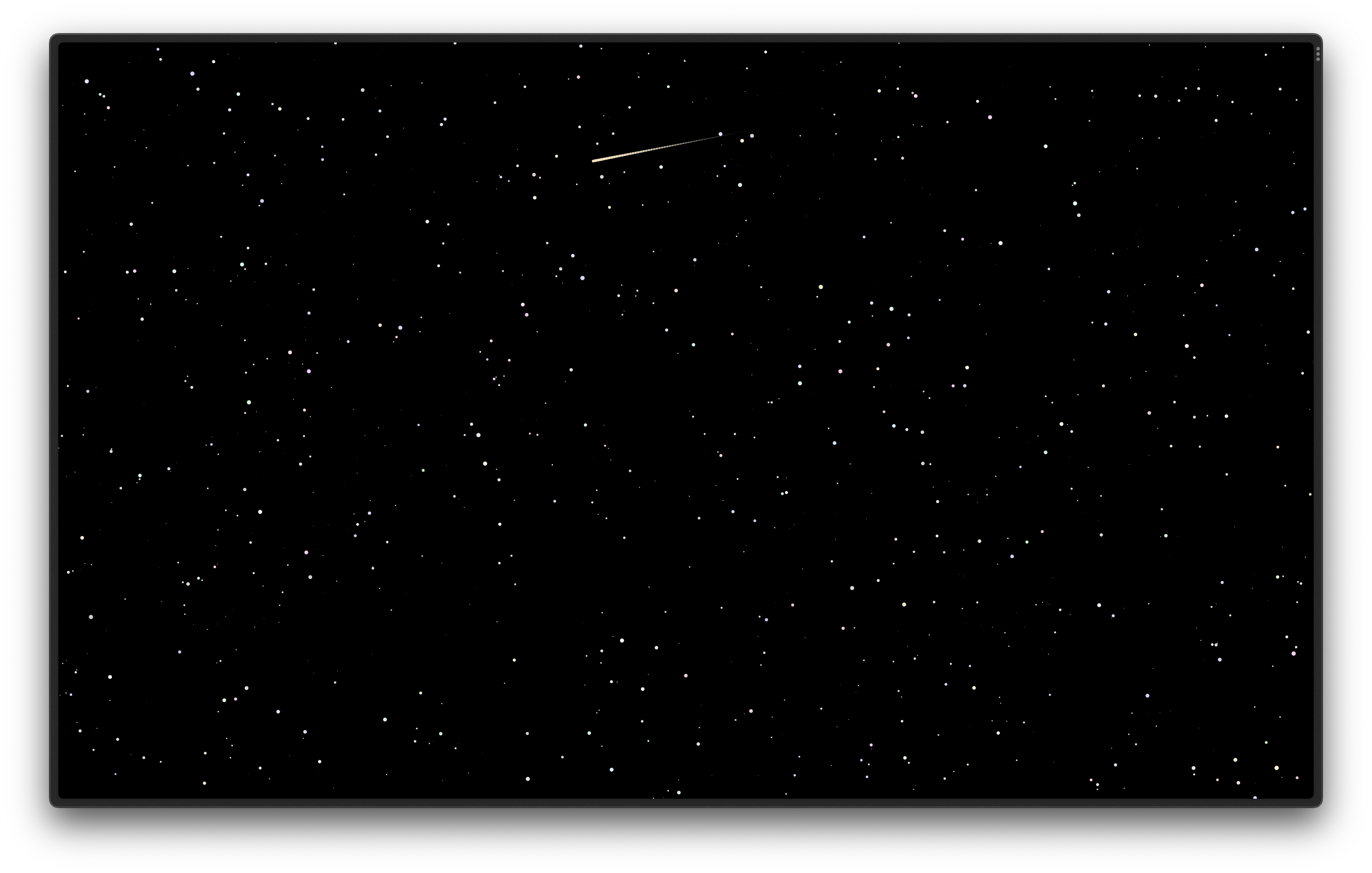
p5.js :js: website that includes a starry night sky and random shooting stars and some lo-fi beats! 🎵
Please give it a ⭐ on :github: if you like it! This was very fun to work on, and helped me to learn more about p5js.













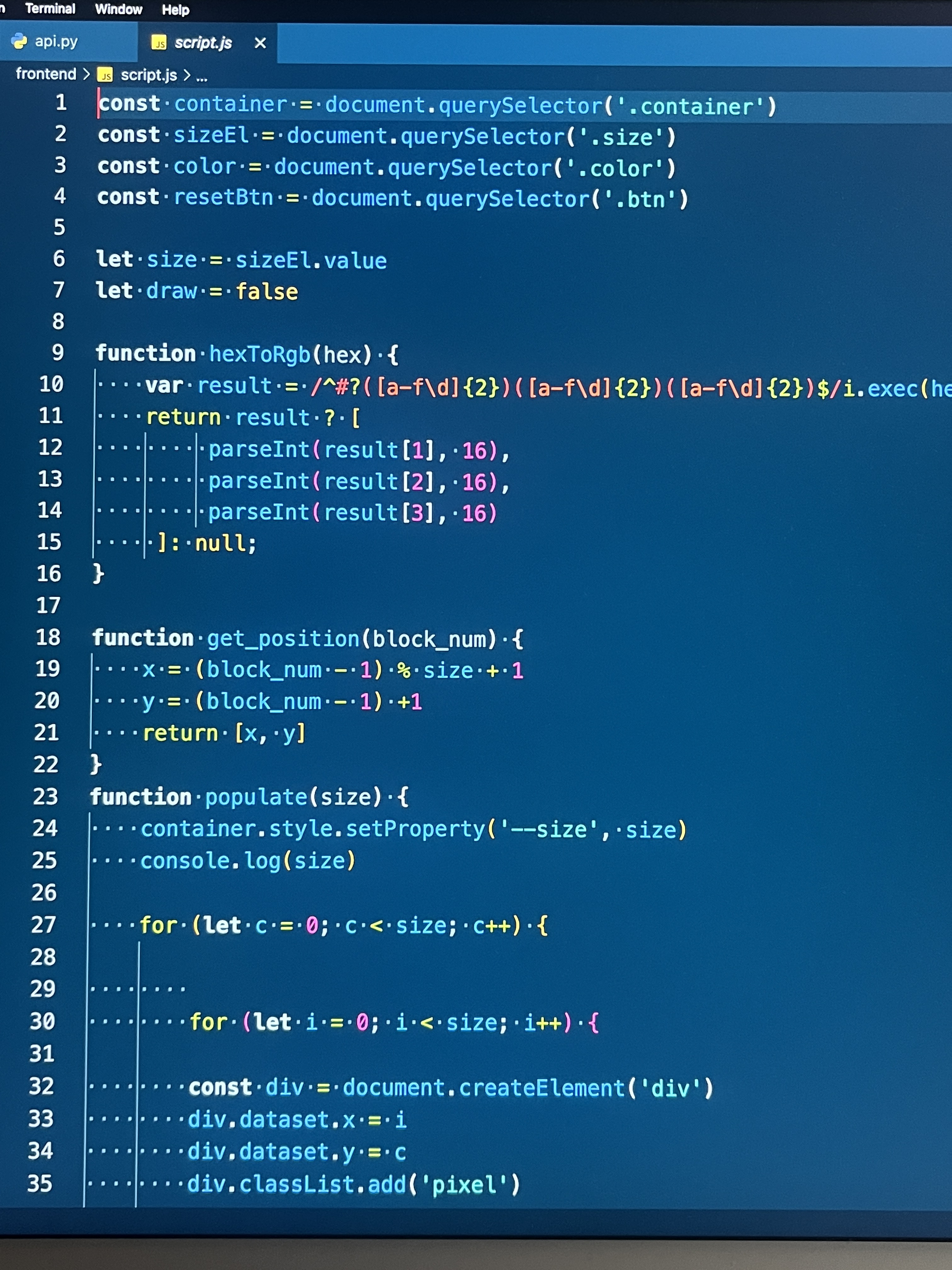














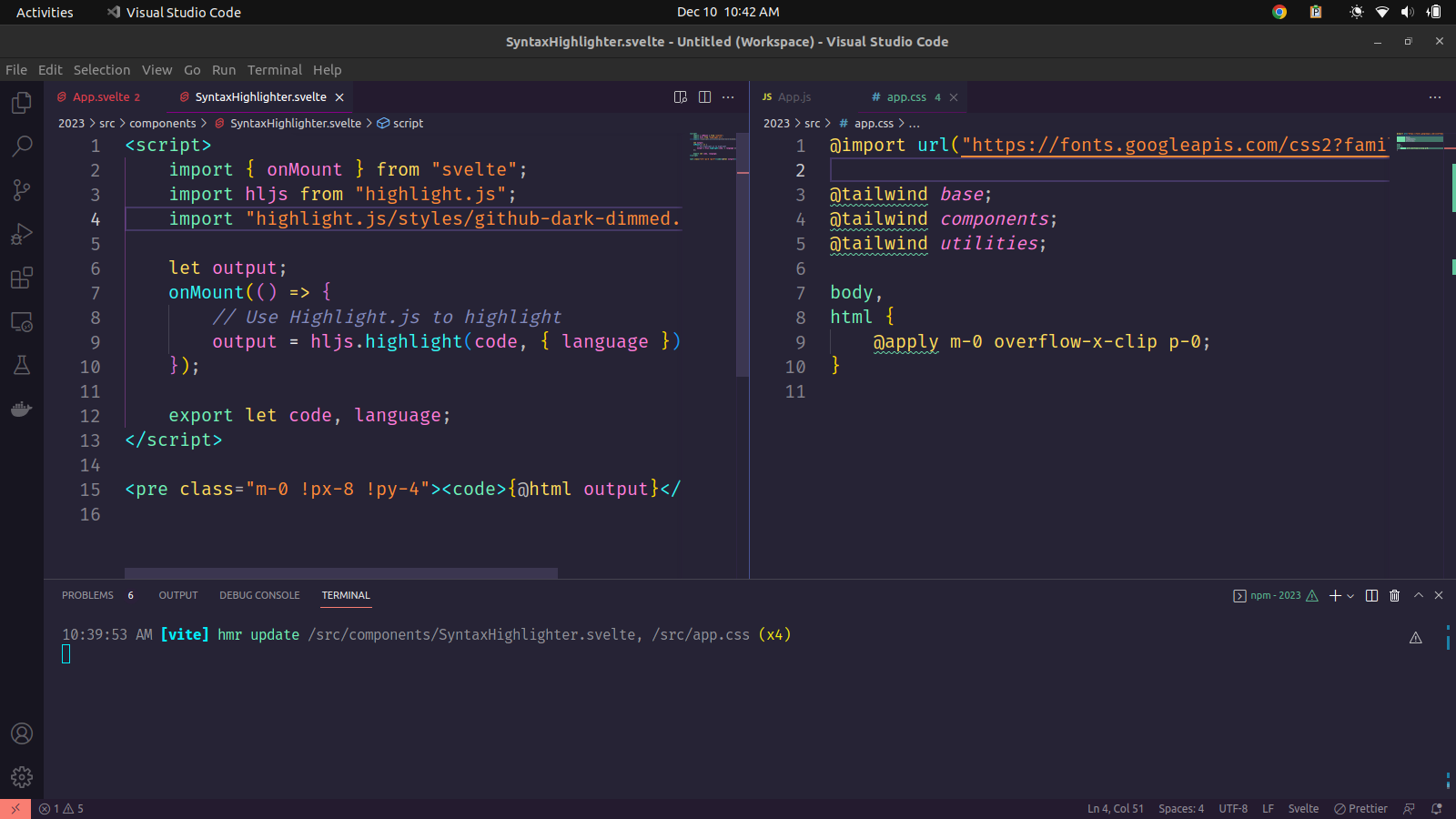
highlight.js component